

🧠
Conversation state & memory
Keep conversation history and recall information across threads. Choose Postgres for shared servers or SQLite for local persistence.
State and persistence
An open-source TypeScript runtime that handles the backend around your graphs, so you can focus on your application.
Your application
LangGraph SDK · useStream
skein-js
Self-hosted backend
Your LangGraph.js agent
Graph logic & execution
Your models & tools
Chosen in your graph
skein-js is an open-source TypeScript runtime for hosting LangGraph.js agents. LangGraph defines and executes your graphs; Skein provides the API, persistence, streaming, background work, and console around them.
A working graph still needs a backend before people can use it. Skein supplies that infrastructure so you can ship an assistant, research tool, or approval workflow while keeping your graph code, models, and tools. It is an Apache-2.0 alternative to LangGraph Platform (now LangSmith Deployment) that you run on your own infrastructure.
Use Node 24 (recommended):
npm create skein-js@latest my-agent
cd my-agent
npm run dev
Accept the scaffolder's defaults to install dependencies and try an echo graph that needs no API key, database service, or Docker. Open http://localhost:2024/console and send a message.
Your first agent takes you through adding a model and tools, then deploying. Skein is pre-alpha; see the roadmap for support and known gaps.
Install the CLI in your project with npm install -D skein-js, then replace langgraph dev with skein dev. Keep your langgraph.json, graph exports, and LangGraph SDK clients. CLI compatibility documents supported commands, fields, and limitations.
| Path | Use it for | Guide |
|---|---|---|
| Standalone server | A shared service with Postgres and Redis | Server deployment |
| Existing backend | Graphs alongside your Express, Fastify, NestJS, or Next.js routes | Embedding |
| Local application | A desktop app, CLI, or daemon with one Node process owning a SQLite file | Local deployment |
Each path uses the same Agent Protocol engine. The default development server uses memory drivers; choose durable storage when you need persistence beyond development.
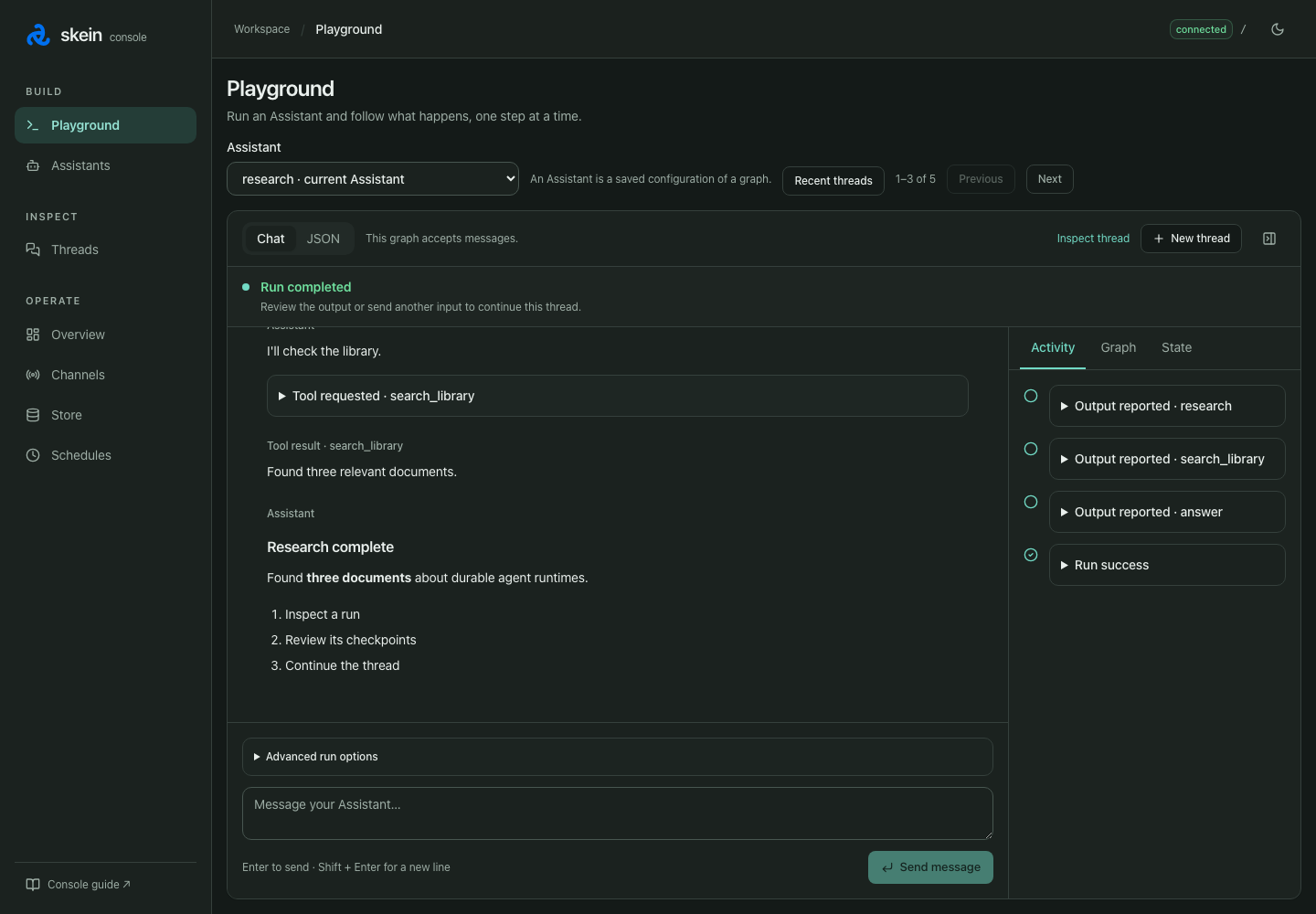
The console is served by your own process at /console. Test a graph, follow live runs, review approvals, and browse memory and schedules. It is enabled in development and off by default in production. Test your graph in the console, then save important cases as automated project tests.
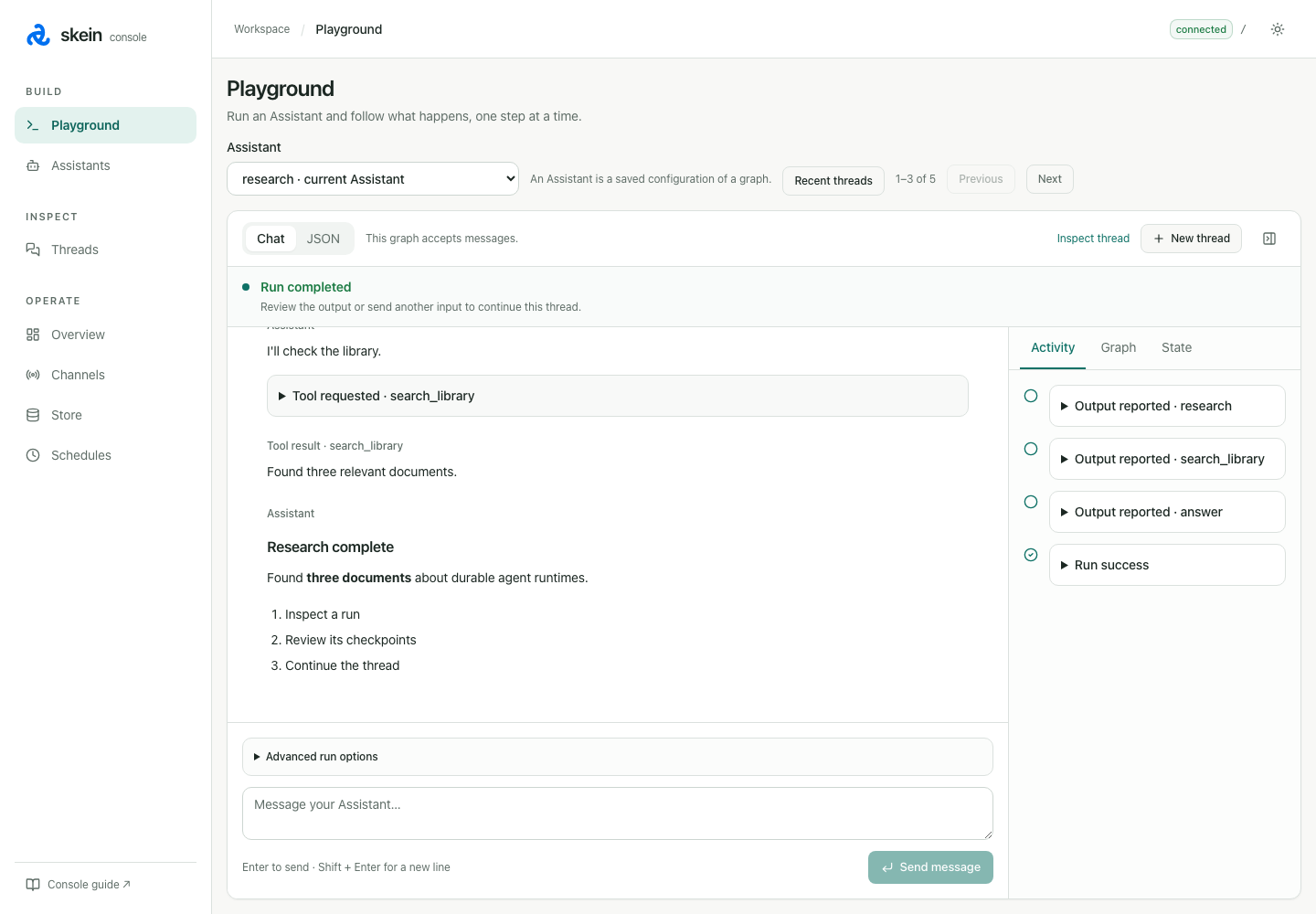
Browse features for capabilities, recipes for practical patterns, or examples for runnable projects. Connect traces and analytics with observability.
LangChain Deep Agents support is experimental: see the Deep Agents recipe.